
About Loaderly
A personal frustration. The beginning of a different workflow.
I just wanted to make a clip.
I’m void, the creator of Loaderly. This started with a problem I kept running into myself: a simple video idea could turn into a journey through several websites and applications.
I wanted to save the video or audio, make a few changes and get on with it. Instead, I kept moving files from one tool to another.
voidCreator of Loaderly · Personal account @voidksa2 How it beganOne file. Too many stops.
First, I would find a program or a website to download the video or audio. Then I would open another program to cut out a moment or keep just the part I needed.
Zooming in on a detail, blurring something in the picture or adding a line of text meant more settings to learn and more steps to repeat. The edit itself was small. Getting to it was the tiring part.
What bothered me was the repetition. Every new clip started with the same questions: where is the file, which tool can open it, and where did the last export go? By the time the tools were ready, the simple idea no longer felt simple.
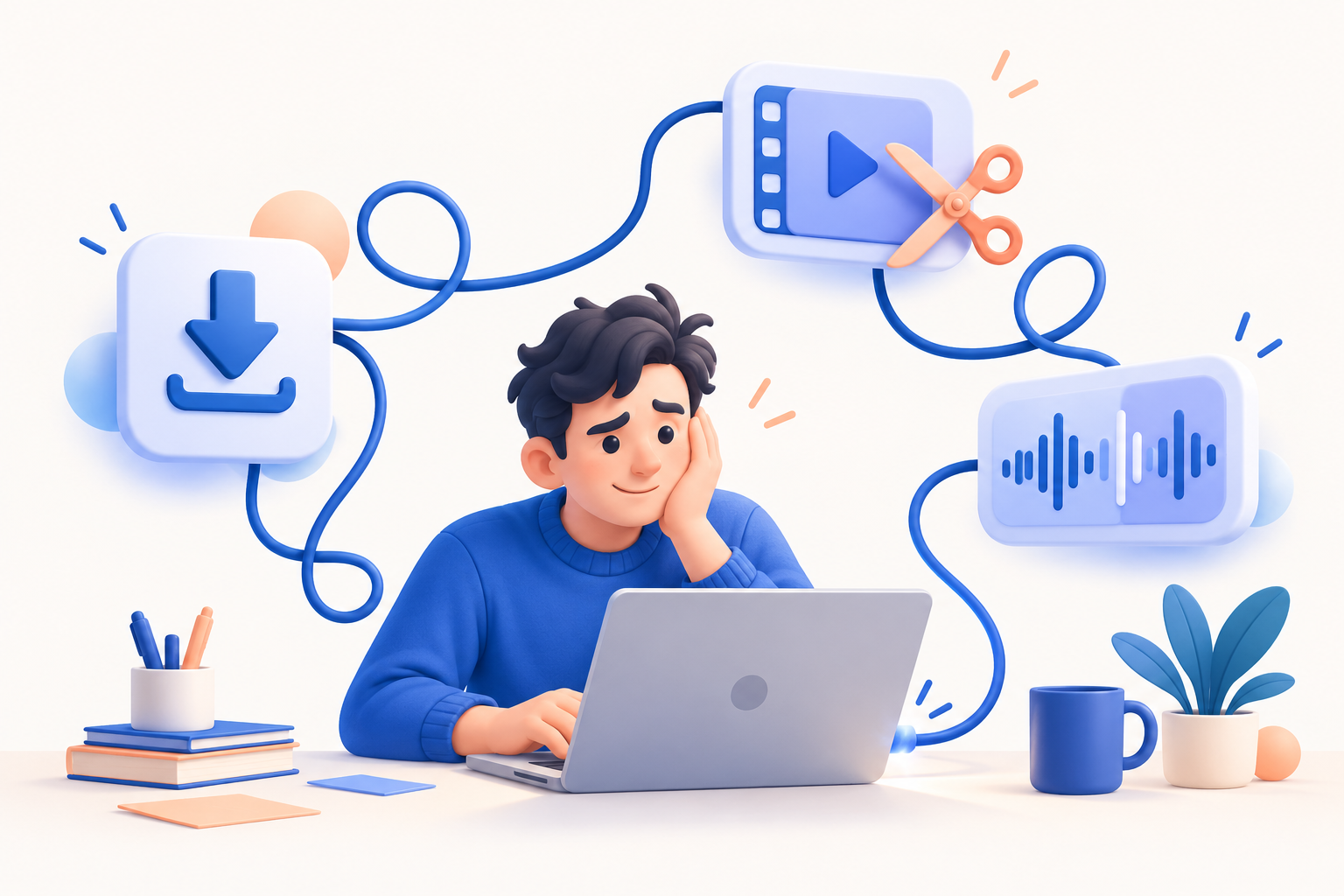
- Find a way to downloadVideo or audio
- Move the file againAnother app, another workflow
- Finally, make the editTrim, zoom, blur or add text
A small edit should not feel like a big commitment.
When I looked for tools that brought these tasks together, the ones I found often came with expensive prices or recurring subscriptions. That was hard to justify for the everyday edits I wanted to make.
I kept thinking about the person who only needs a clear result: a moment worth keeping, a detail worth showing, or words that make a clip easier to follow. The tools should help that idea move forward. I wanted a workspace I would be happy to return to.
I wanted to spend my time on the clip, without rebuilding my workflow every time.void
So I started bringing the tools together.
That is why I started building Loaderly: a desktop application where downloading leads naturally into editing. A place to work on the picture, sound and words without repeating that same journey between separate tools.
Today, that idea takes shape in downloads, live clips, a video editor, captions and audio tools. You can start with a supported link or a file on your computer, then work towards the result you had in mind.
Making the pieces work together.
Bringing tools into one window was only the beginning. A download needs a clear place to go. A saved file needs an obvious way into the editor. An edit needs a preview that helps you judge the result. If the connection between those steps is confusing, the old frustration has simply moved into a new application.
That is the difficult part of building Loaderly: making the whole journey feel connected. A feature can work on its own and still leave you asking what to do next. I want each step to prepare the next one, while leaving you free to work on a file you already have or return to a project you started earlier.
Sound and words became part of that same idea. Sometimes the picture is ready but the audio needs attention. Sometimes the moment is good but it needs captions to be understood. I do not want those everyday needs to send you back to searching for another tool before you can finish.
There is always a next step worth improving.
The work also lives in the details: whether a label makes sense, whether the preview is comfortable to read, and whether an error tells you how to recover. Those things may not make the biggest announcement, but they shape how it feels to use the application every day.
I do not want to call the work finished just because the feature list has grown. The more the application can do, the more care it needs. Adding something useful should not make the rest of your work harder. That is a standard I want to keep coming back to with every change.
That is why your feedback belongs in this story. A step that feels obvious to me may be confusing the first time you see it. A problem on your computer may reveal something I have not encountered. Tell me where you got stuck, what you expected, and what would help you create more comfortably.
It started here. And kept growing.
The first version focused on getting media onto the computer. As the workflow grew, the workspace grew with it. These are real captures from the first release and the editor introduced later, showing how far that original idea has travelled.
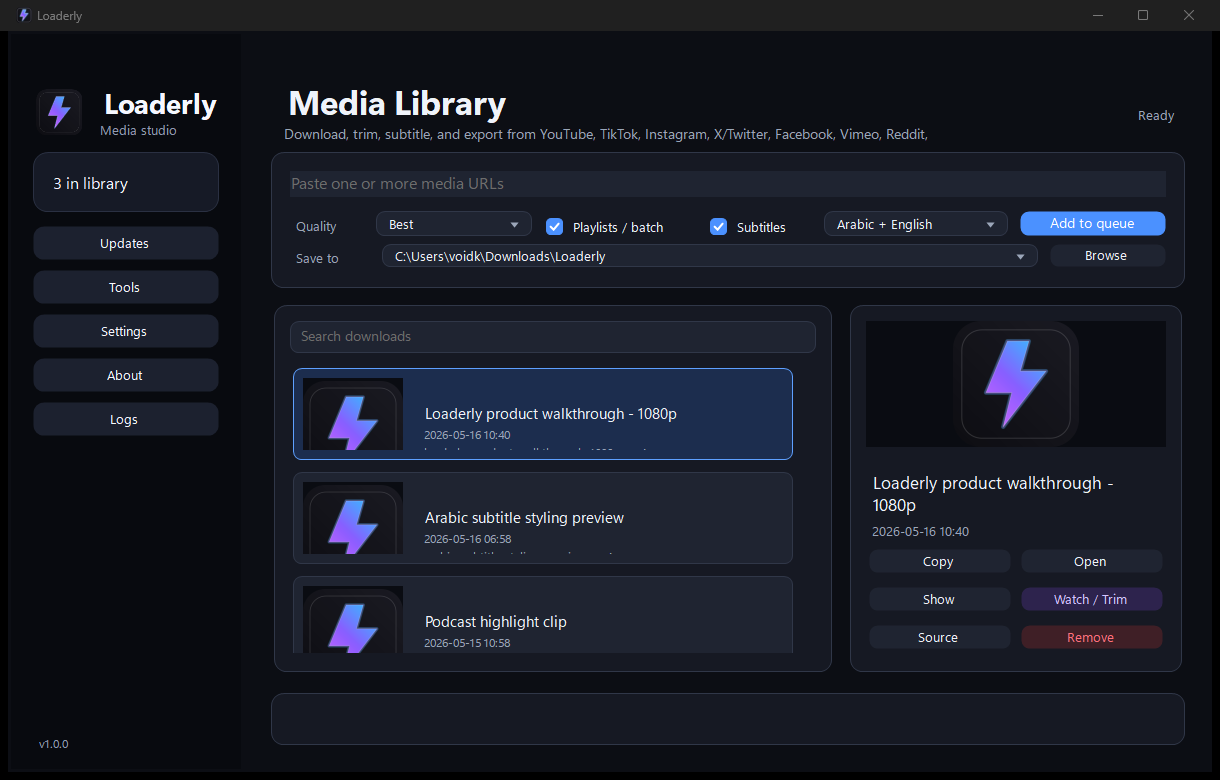
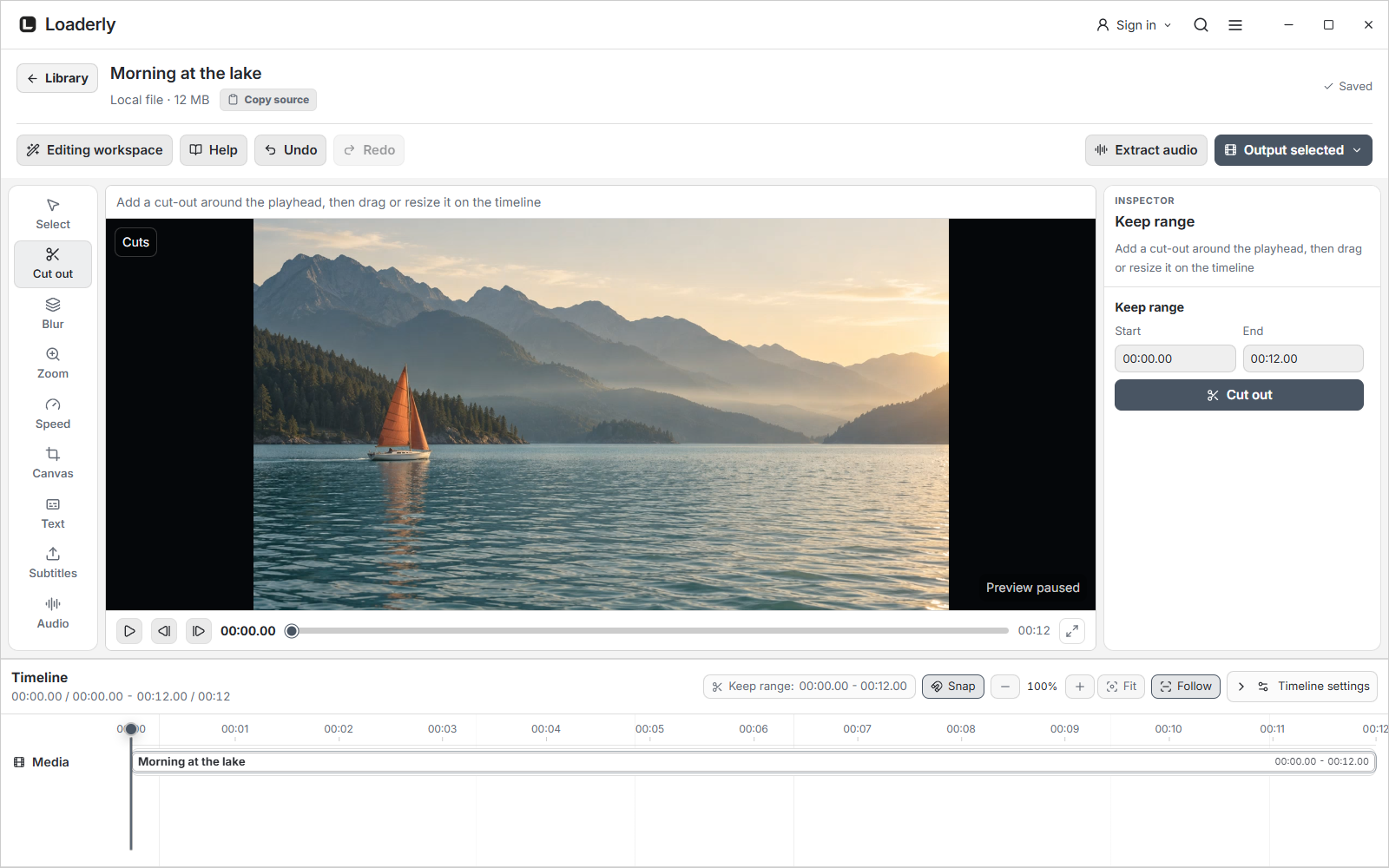
A program is never just a collection of buttons. It is how those buttons work together when you are trying to finish something. That is the part I want to keep improving, with your ideas and the problems you tell me about.
Help shape the next step
The reason I started still guides what I build.
I want Loaderly to make the everyday parts of working with media easier. If you have ever lost time between tools just to finish a small edit, you know exactly where this story began.
I am still developing Loaderly, and I will keep going until it becomes the complete workspace I set out to build. Every improvement brings that idea a little closer.
Try it, make something with it, and tell me what could work better.
Follow product news and upcoming updates on Loaderly’s official account. @Loaderly
If you would like to support this journey, your optional contribution helps me keep developing Loaderly. Thank you for being part of the story.
Support the next chapter