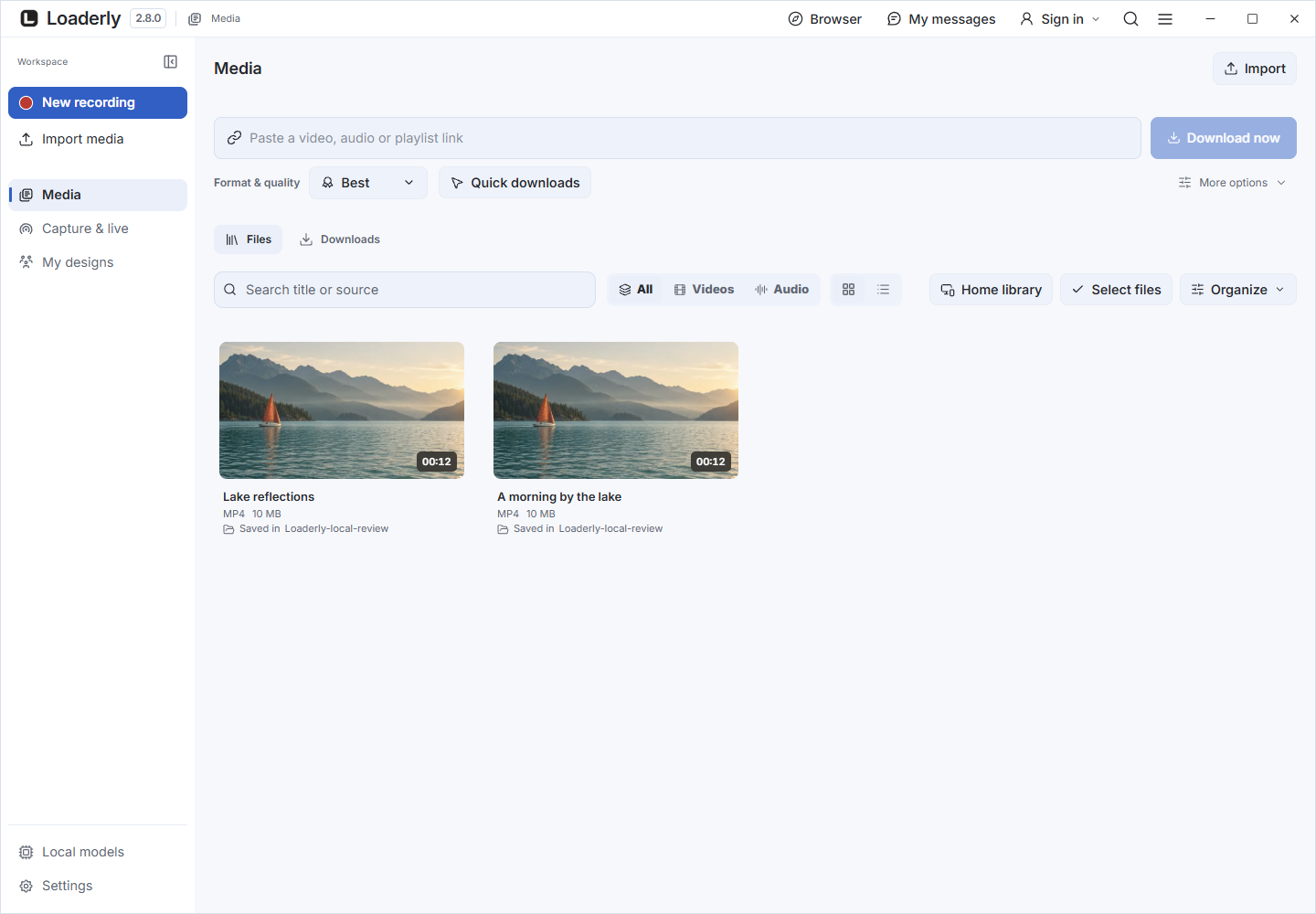
Loaderly for Windows
Install through Microsoft Store. Your updates are managed by the Store.
System requirements & installation LoaderlySupport LoaderlyDocumentation
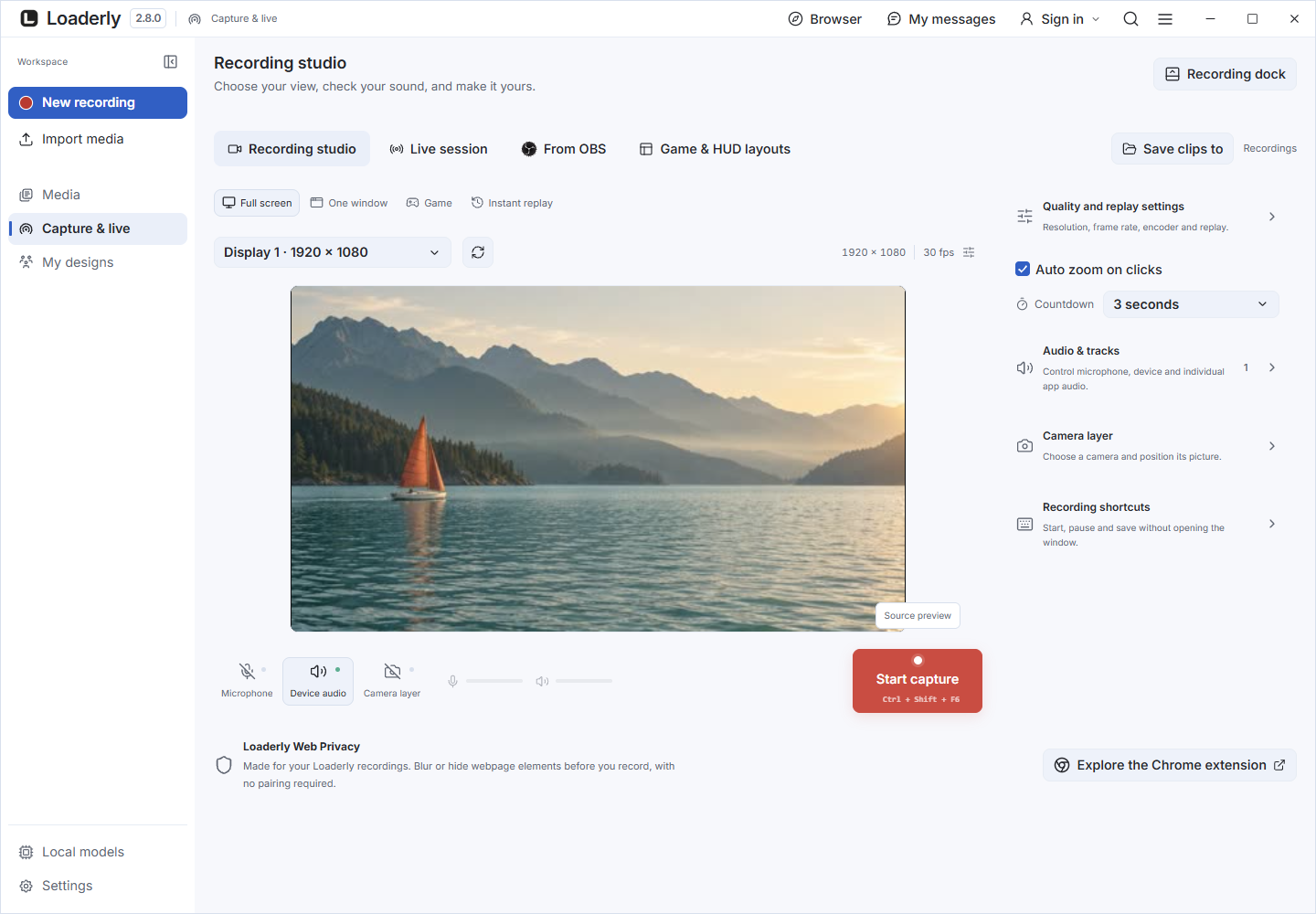
Record your screen. Edit your video. Make your sound your own.
Explore the latest update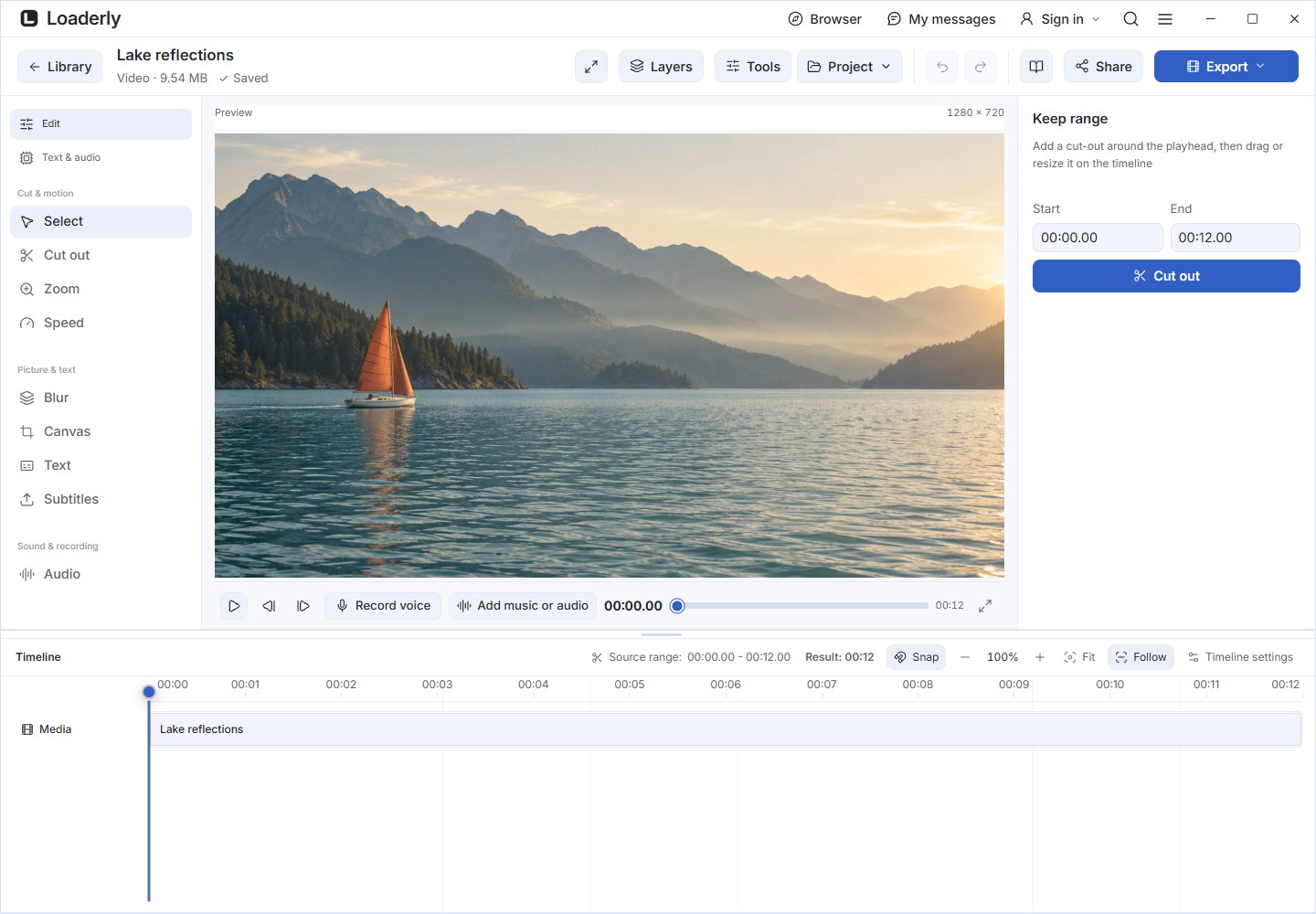
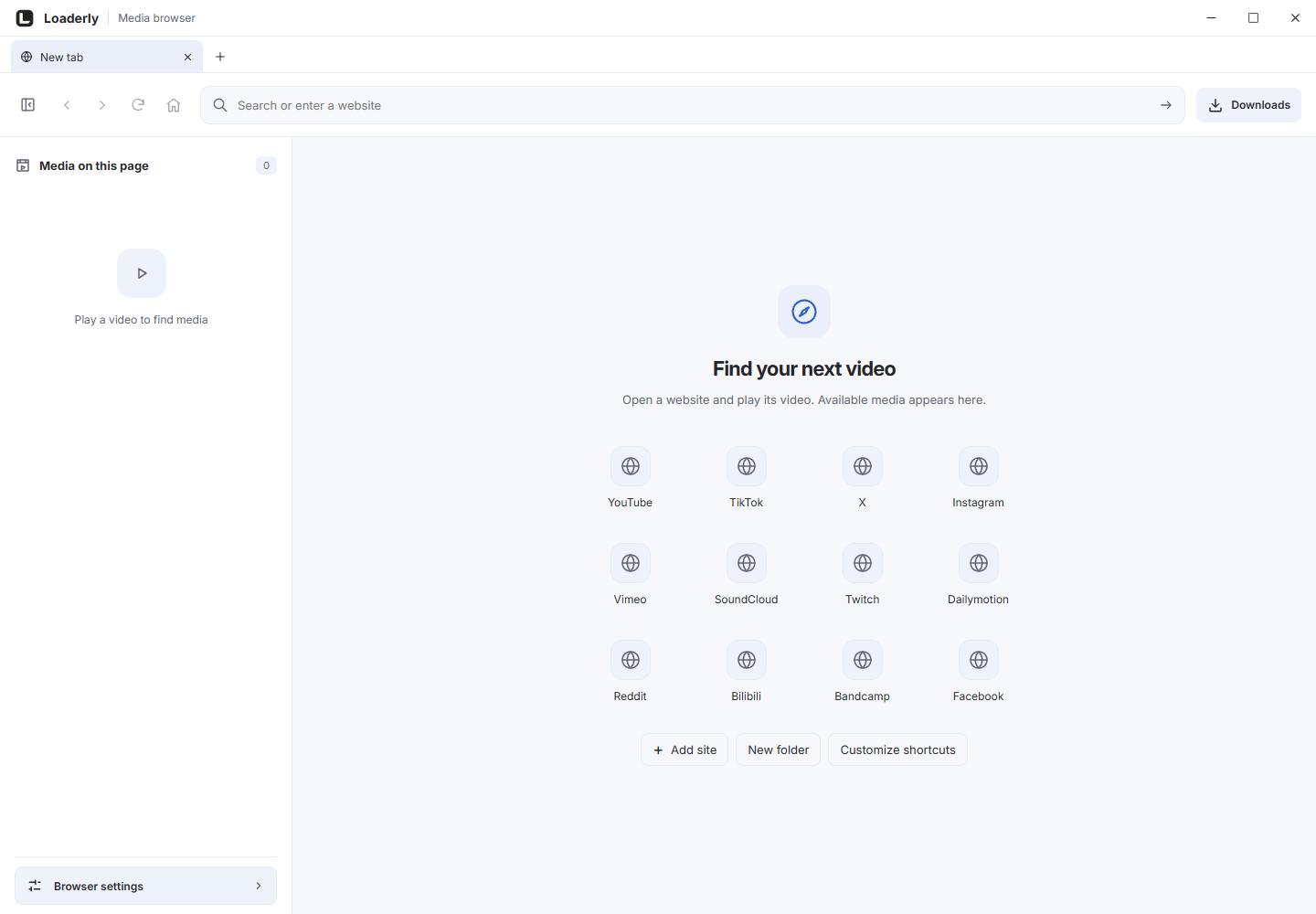
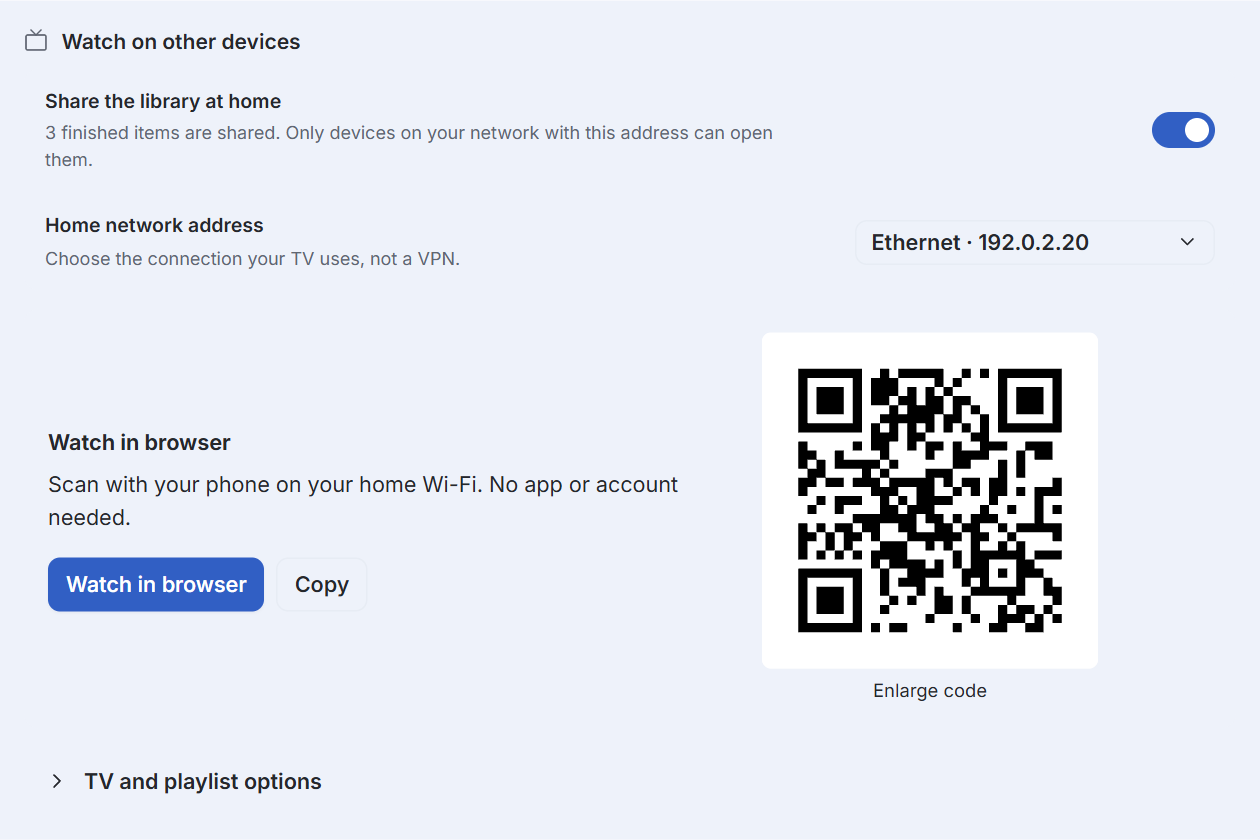
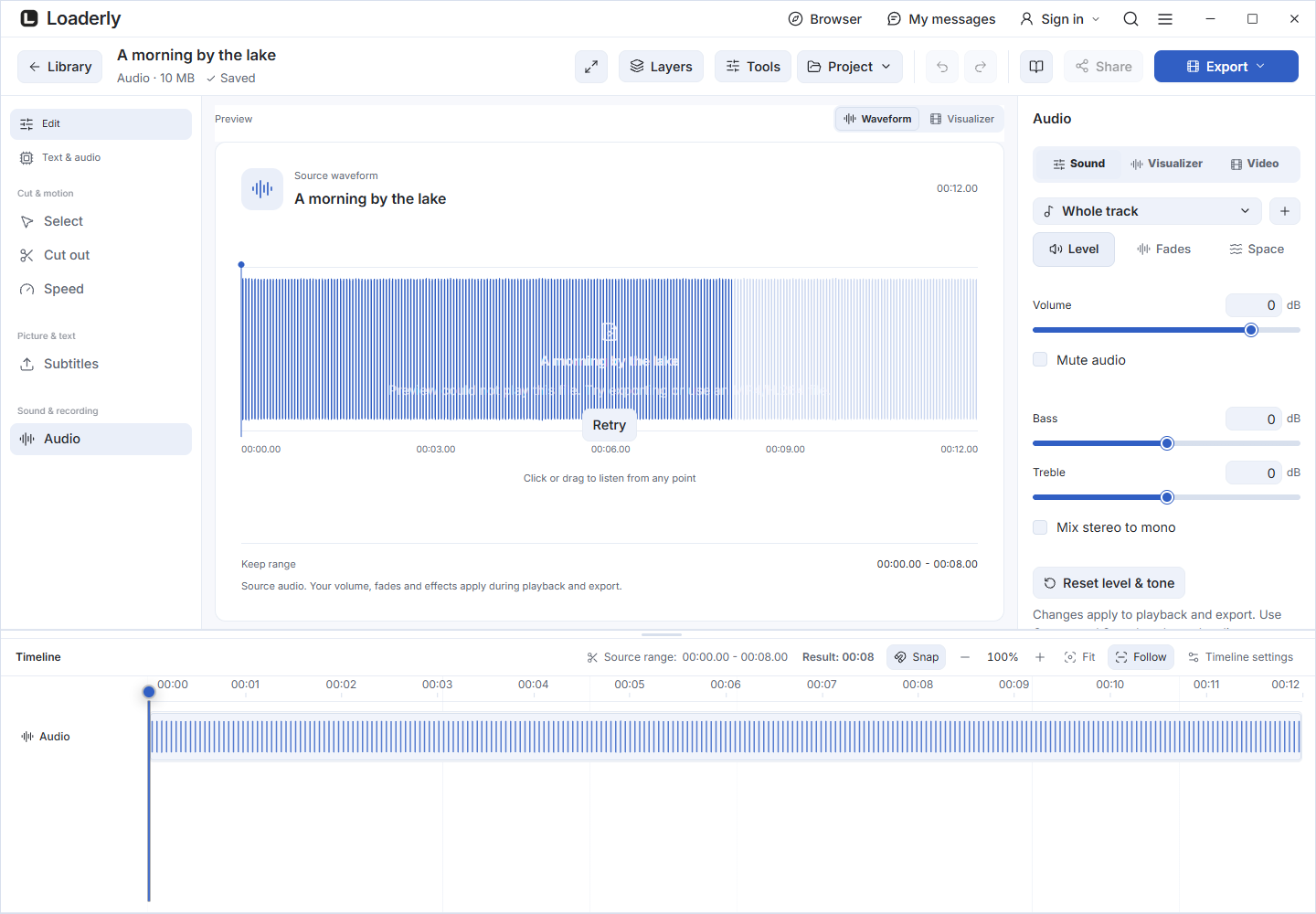
Made for Loaderly. Keep private details out of your recording by blurring or hiding webpage elements before you start.
Free, independent and compatible with any screen recorder. No account or pairing required.
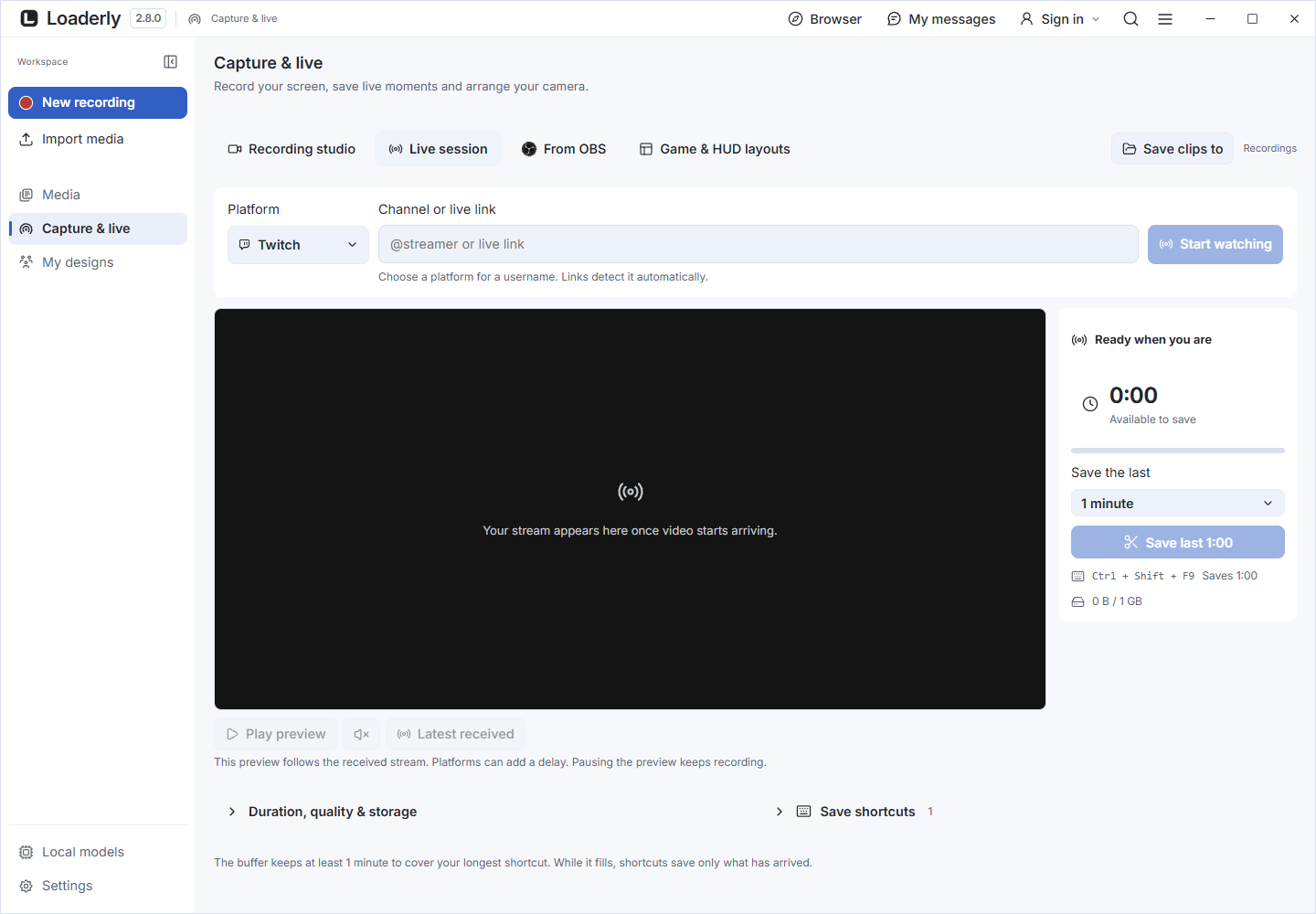
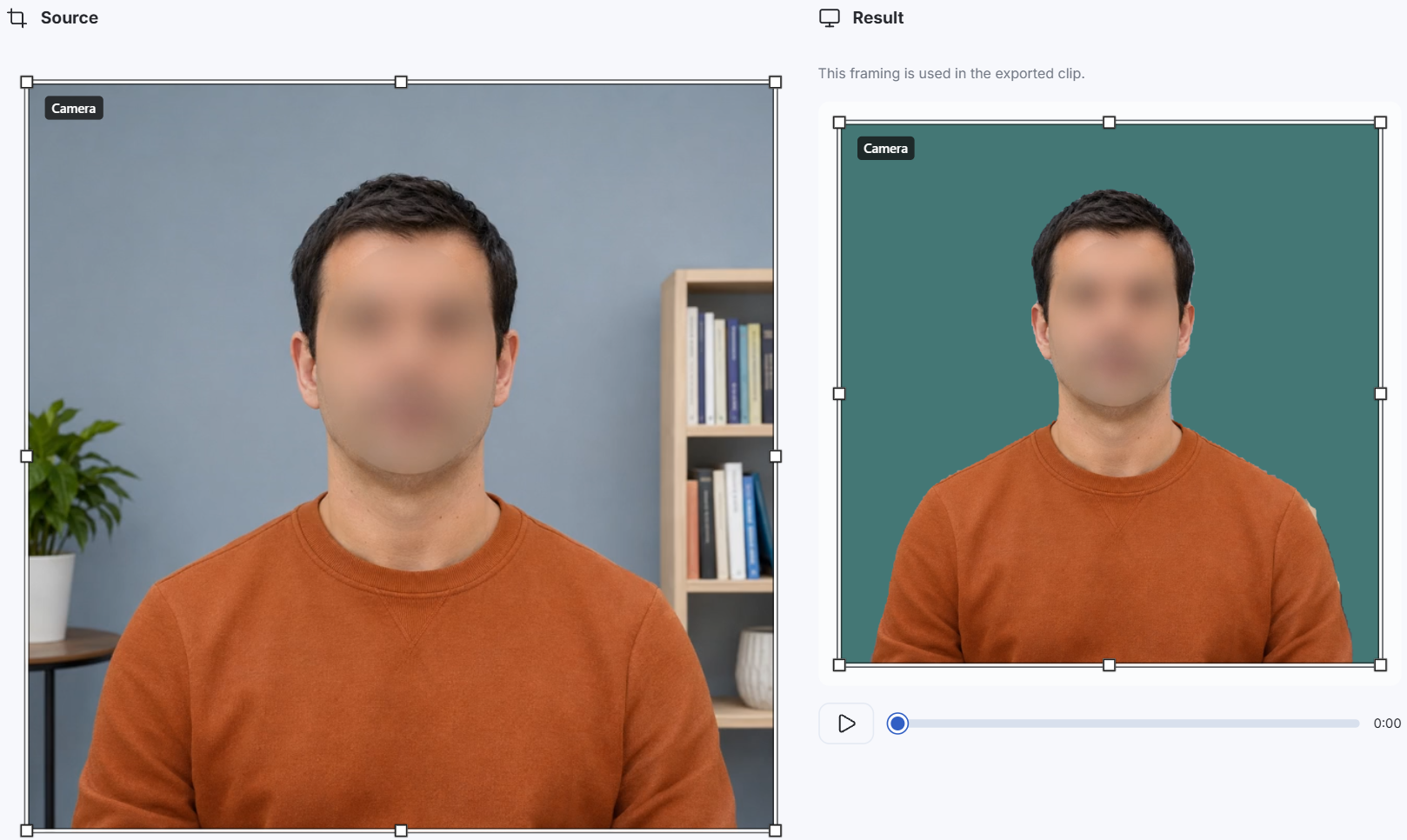
Keep the game, camera and the details that matter. Arrange them in one frame, then turn the moment into a clip that is yours.
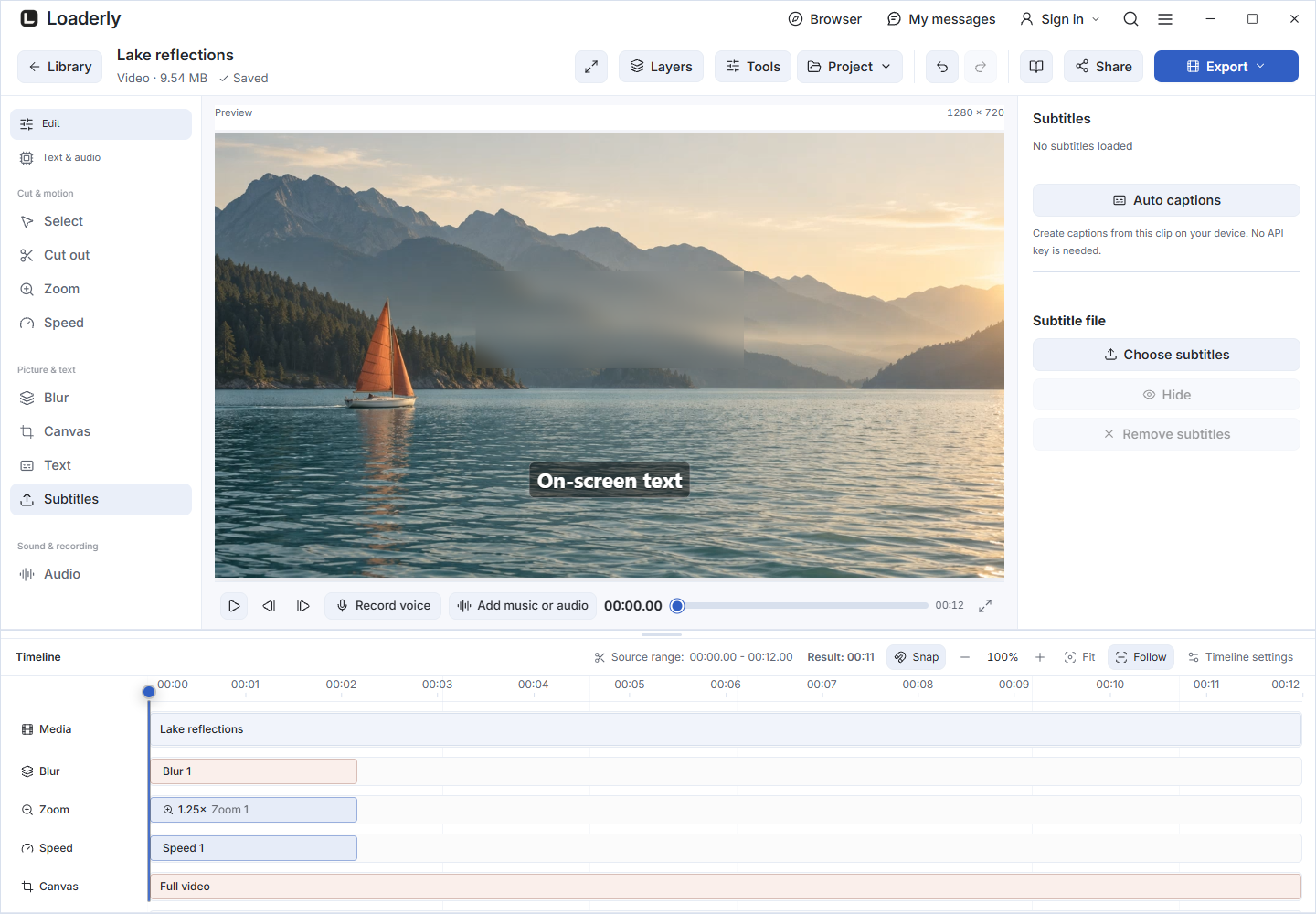
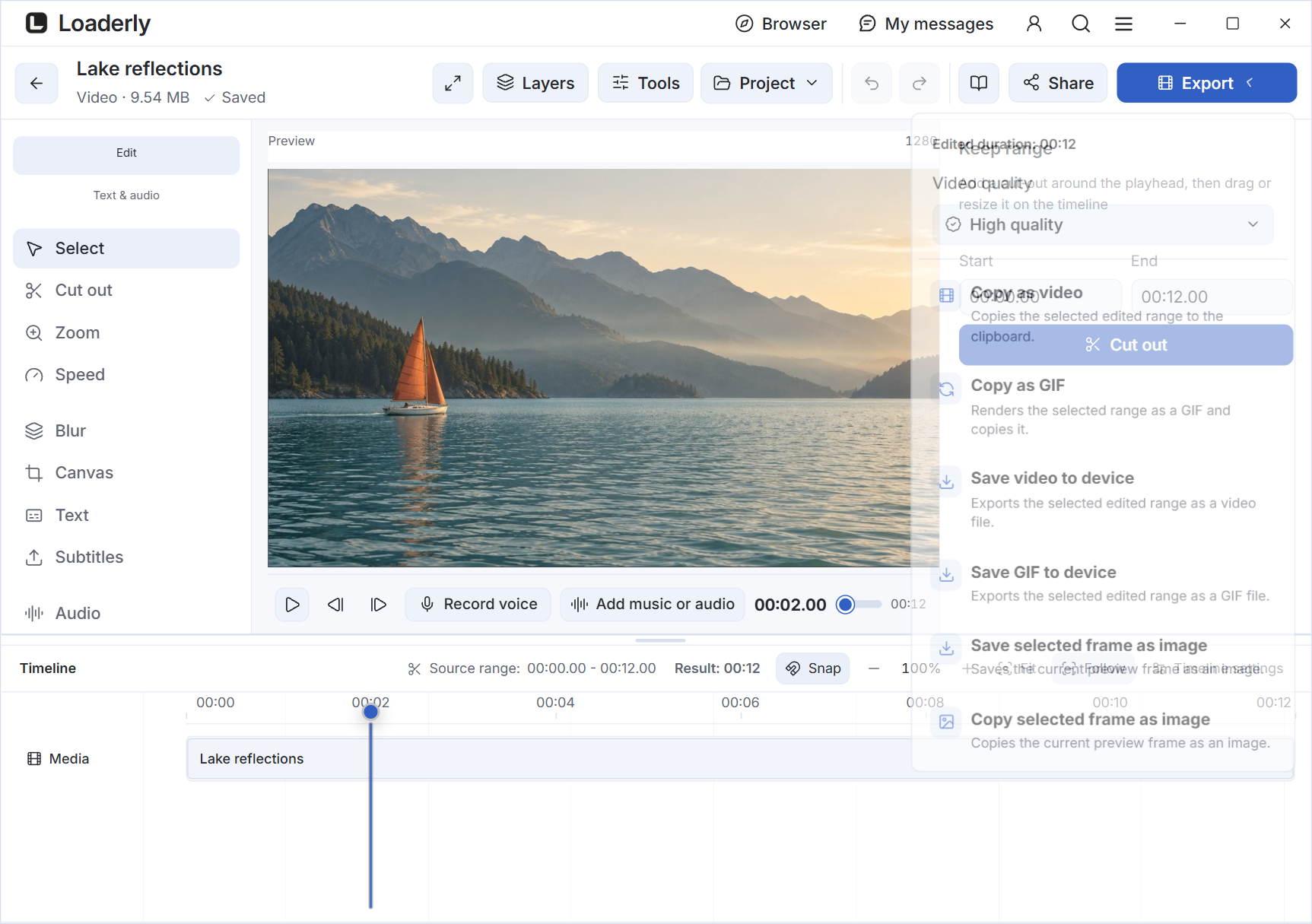
Work with the transcript, choose the part you want and shape your captions. Bring the picture, sound and words together in one workspace.
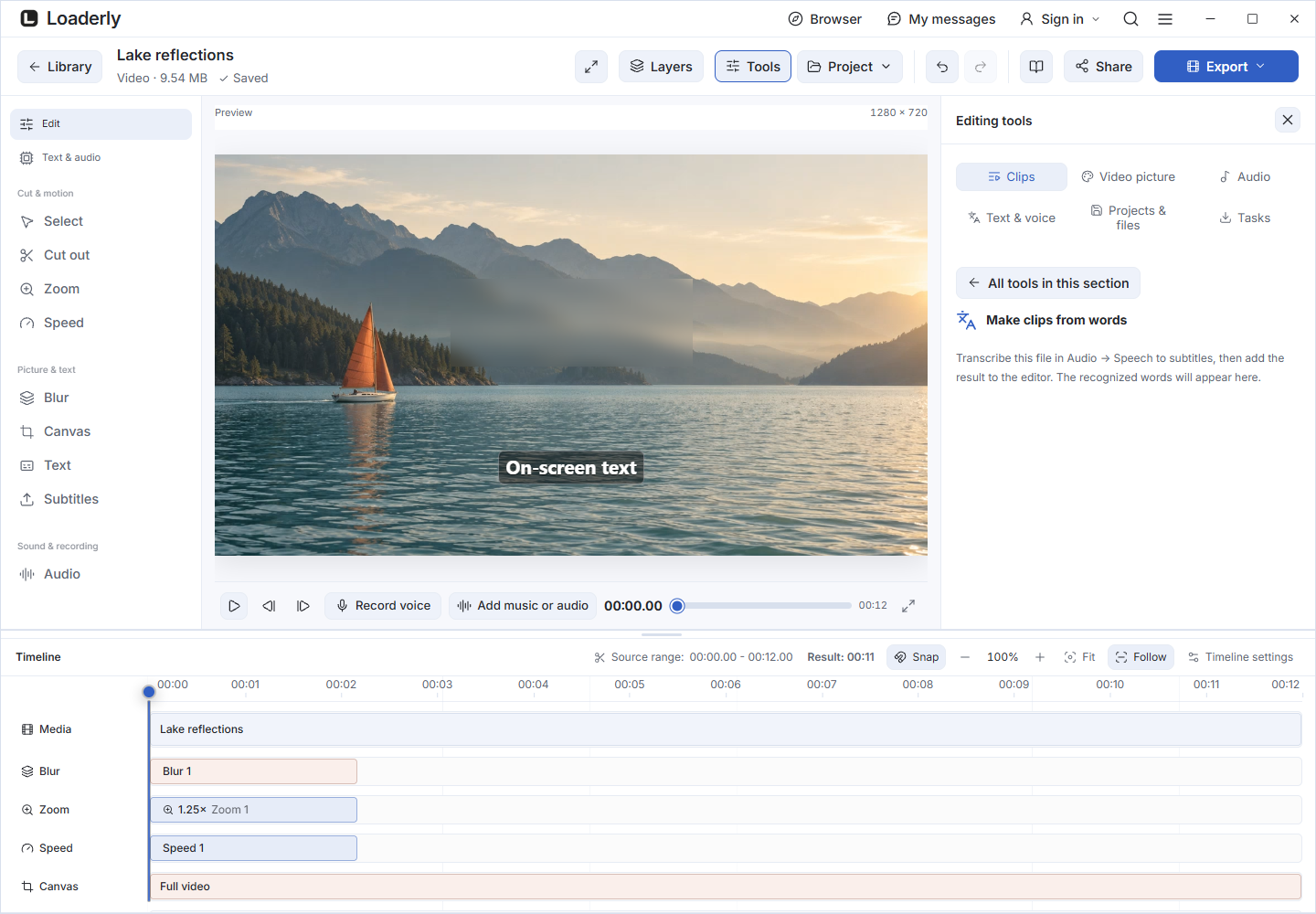
Adjust the audio, explore separation tools and listen before you save. Keep your own presets for the next project.
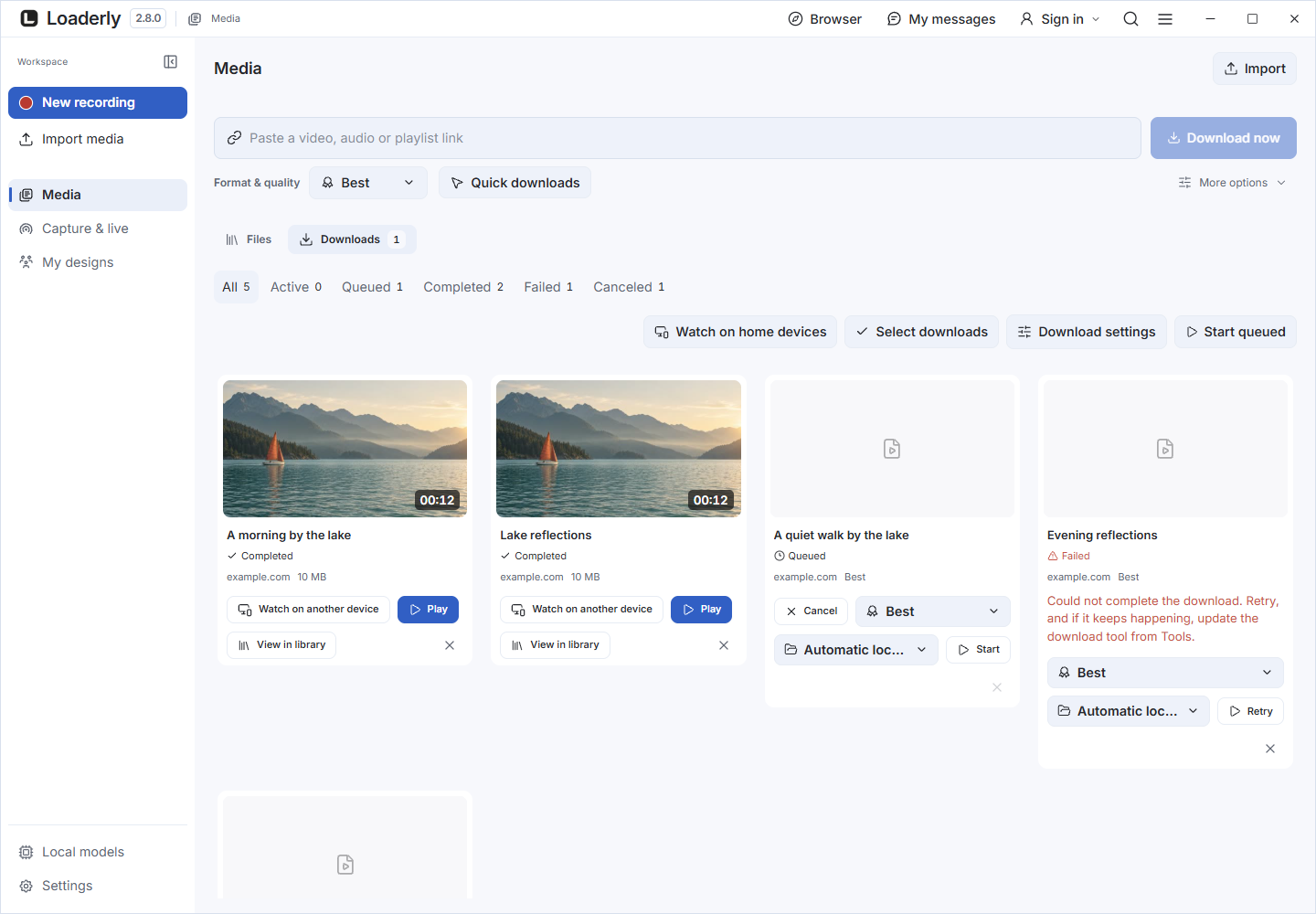
Your media stays in your workspace
For audio, captions and backgrounds
Save and share settings files
A connected creation workflow
Install through Microsoft Store. Your updates are managed by the Store.
System requirements & installationChoose the right version for Apple silicon or Intel. Requires macOS 13.3 or later.
System requirements & installationInstall a DEB package or run an AppImage on a compatible 64-bit Linux system.
System requirements & installationTried Loaderly? Rate it in the app.
On Windows, Microsoft Store handles installation and updates. For Mac and Linux, choose your system in the download window to get the latest published package.
Read the guideYes. Import a supported video or audio file into your library, or drop it onto Loaderly, then open the editor. A download link is optional.
Read the guideLocal background removal, audio separation and transcription use models on your device. Optional translation or connected AI services use the provider you choose and may have their own costs.
Read the guideThe browser preview lets you try the sound, shape, logo and words. Full editing, AI tools and video export are available in the desktop app.
Read the guide