
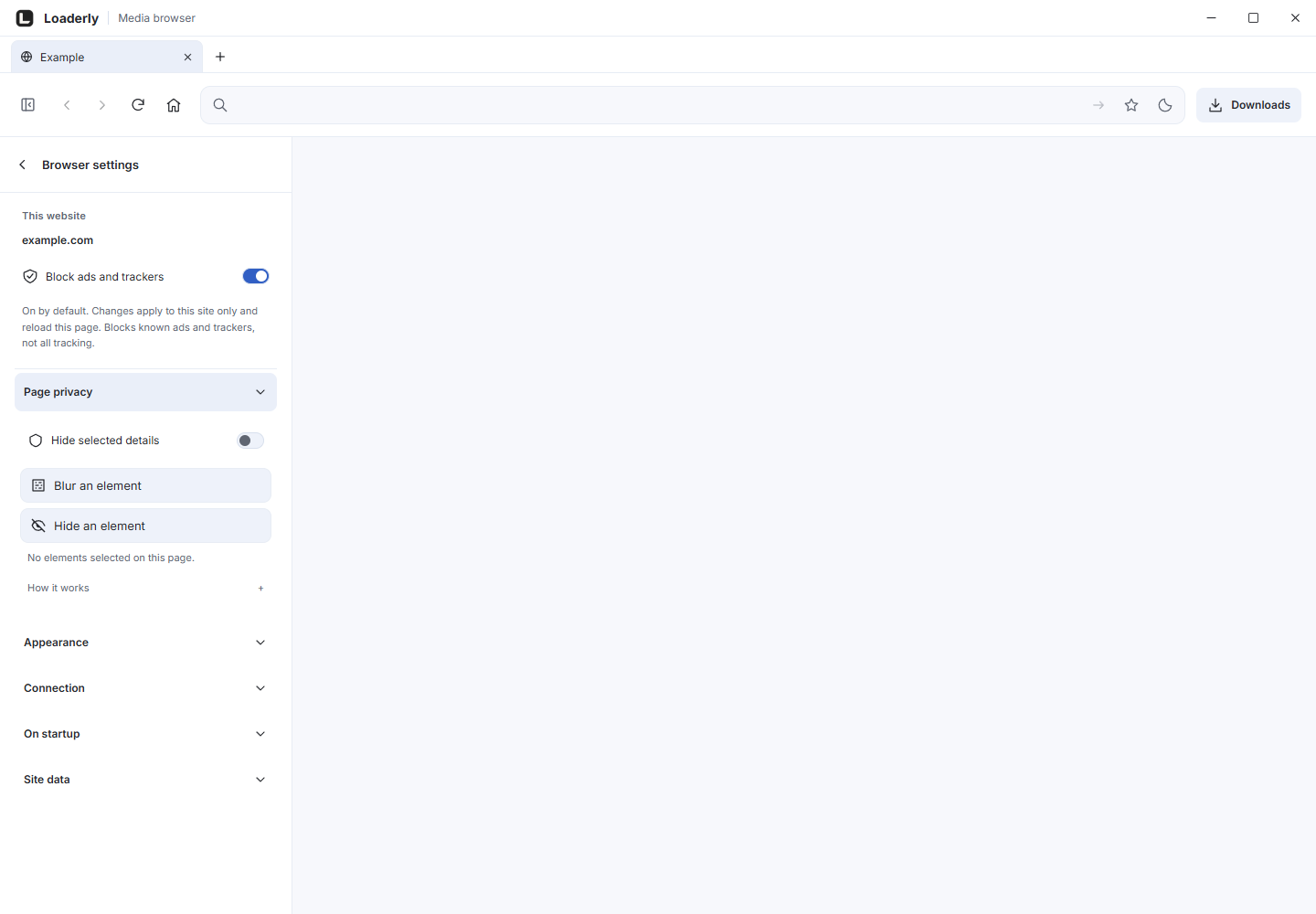
Select an element
Open Loaderly Web Privacy on the page and choose Select & blur or Select & hide. Grant access to that site when prompted. Point at the element; use the up arrow for a larger surrounding element or the down arrow for a smaller one, then click or press Enter to save.
Esc cancels selection.
Control privacy when you need it
Enable Privacy to apply the saved effects. Disable it to browse normally. Use Set shortcut to configure the browser shortcut. There is no pairing code, desktop connection or automatic recording detection.
Check before recording
The effect is attached to the page element and follows normal scrolling and resizing. Selections are scoped to their site and page. Check them after a reload, navigation or website redesign.
Protected browser pages, cross-origin frames and closed web components can limit selection.
Recording and editing limits
You see the effect on the page, and any recorder captures it as part of the image. The extension does not send editable masks to Loaderly. A blur captured in the video cannot be removed later in an editor.
Use Hide instead of Blur when you need an opaque visual result.
Saved selections stay on your device
Language, appearance, site and page paths, element selectors and effect choices are saved locally. Remove an element using its delete button, revoke site access in browser settings or uninstall the extension to clear its local storage.
The extension has no account or analytics service.