Choose what stays private
Select an element on the page and choose blur or hide. Your saved choices belong to that site and page.
 LoaderlySupport Loaderly
Share your screen. Keep private details to yourself.
Made for Loaderly. Keep private details out of your recording by blurring or hiding webpage elements before you start.
Free, independent and compatible with any screen recorder. No account or pairing required.
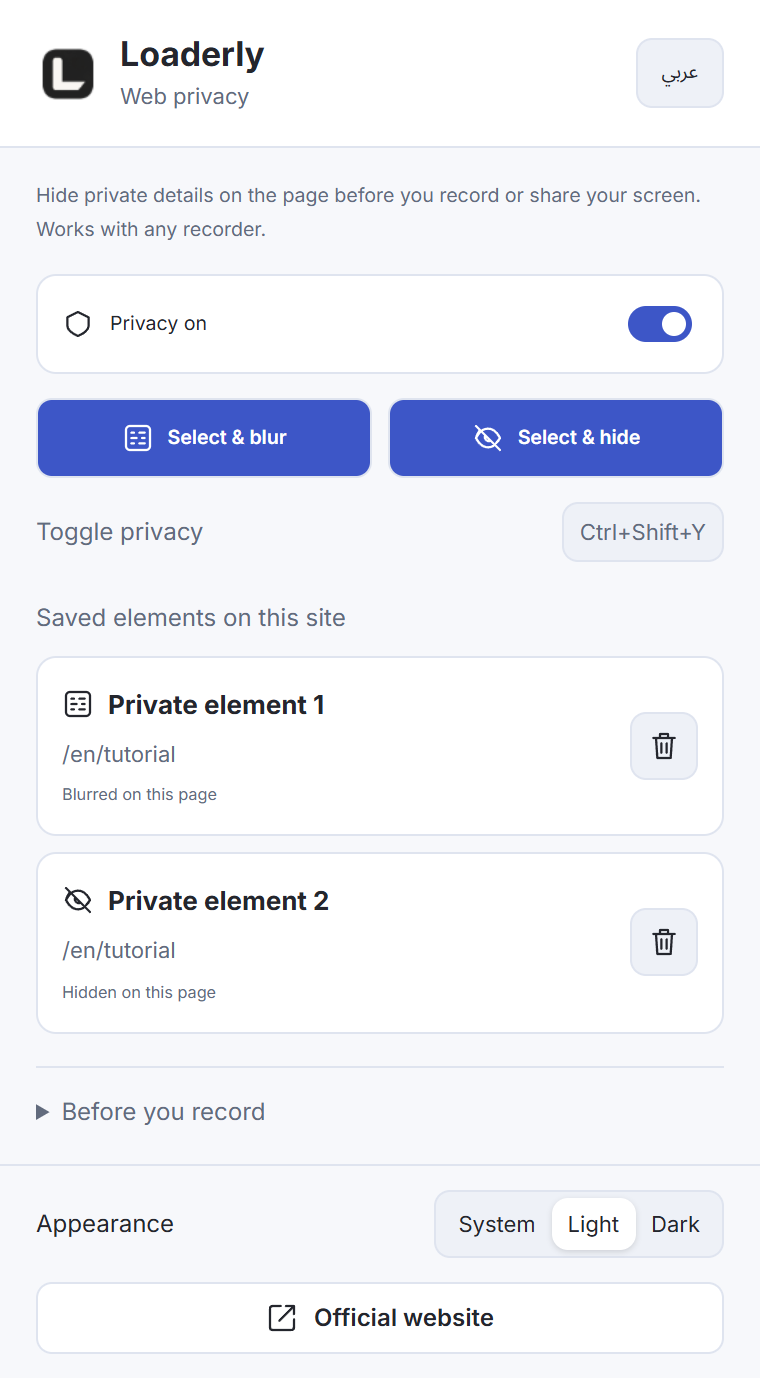
Only your selected elements are blurred or hidden. The effect follows the element as you scroll.
Read the guide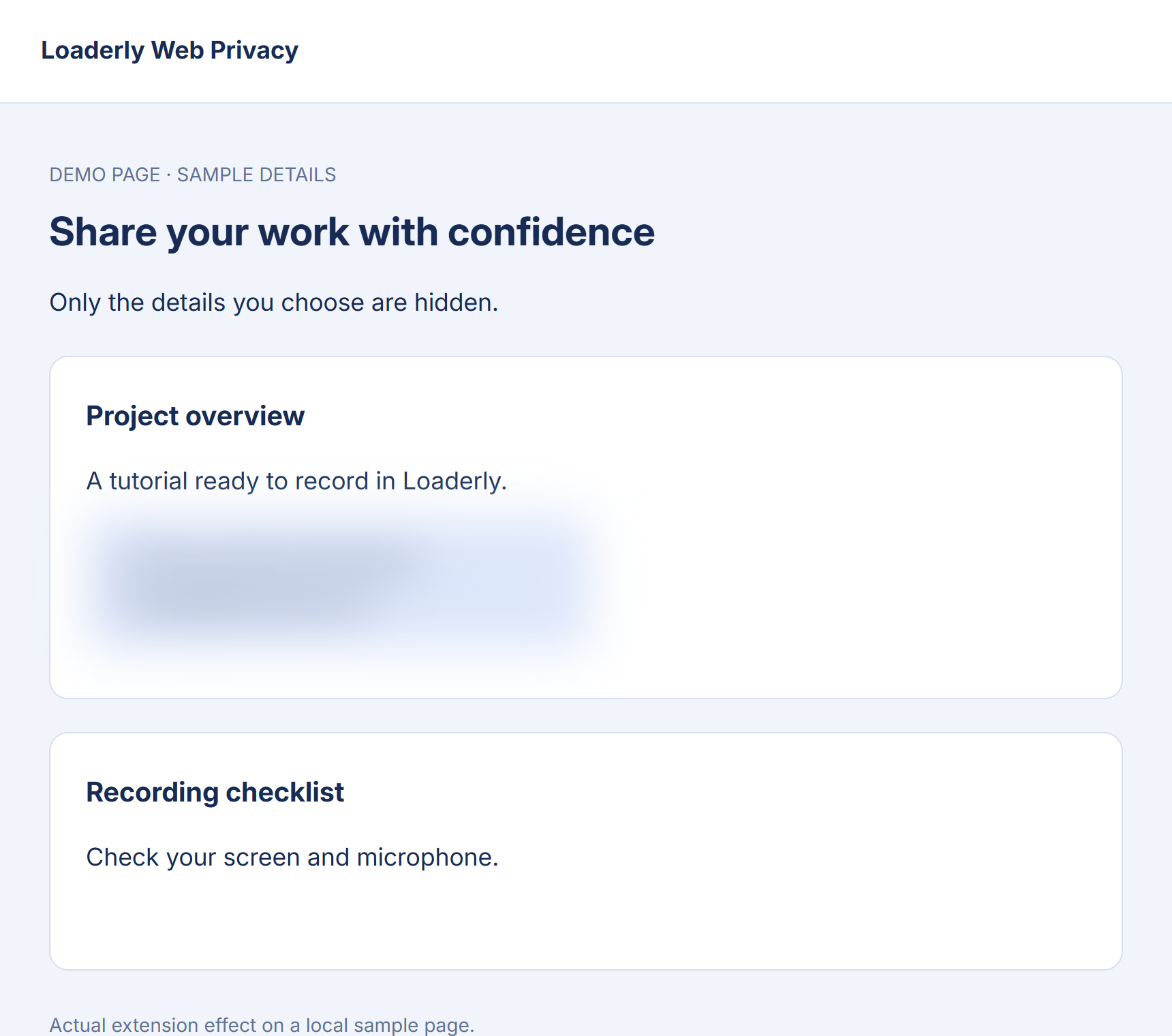
Select an element on the page and choose blur or hide. Your saved choices belong to that site and page.
Check the page, scroll and confirm the selected details are hidden. The effect follows the element as you scroll.
Start your recording in Loaderly or another recorder. Turn privacy off when you want to browse normally.
No Loaderly account or desktop connection is needed. Saved selections and preferences stay in your browser. A keyboard shortcut lets you toggle privacy quickly.
You see the blur on the webpage, and it becomes part of the recorded video. It cannot be removed afterward in the editor. Check your selections after navigating or when a site changes; some protected pages and embedded frames do not allow selection.