
1. Connect your computer
Install Tailscale and sign in. Choose your system to check the connection.
Windows
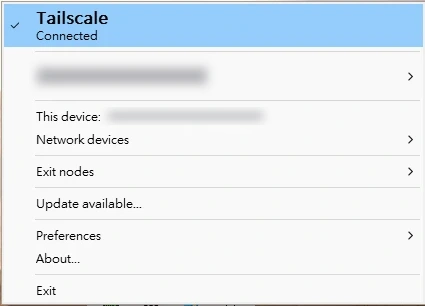
Open the Tailscale menu next to the clock and look for Connected.
macOS
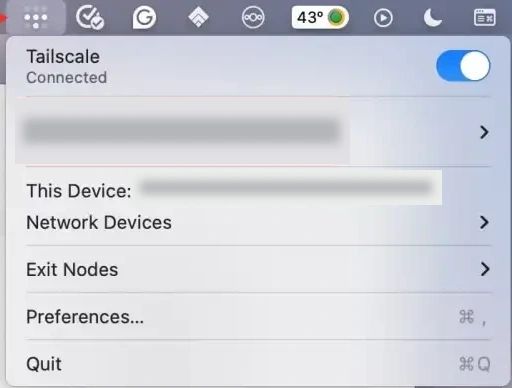
Open Tailscale in the menu bar and look for Connected.
Linux
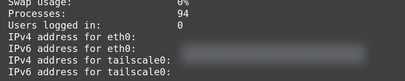
Follow the instructions for your distribution. Run sudo tailscale up and sign in using the browser. Use tailscale ip -4 to see the computer’s private address. The example shows the tailscale0 interface.
2. Connect your phone
iPhone / iPad
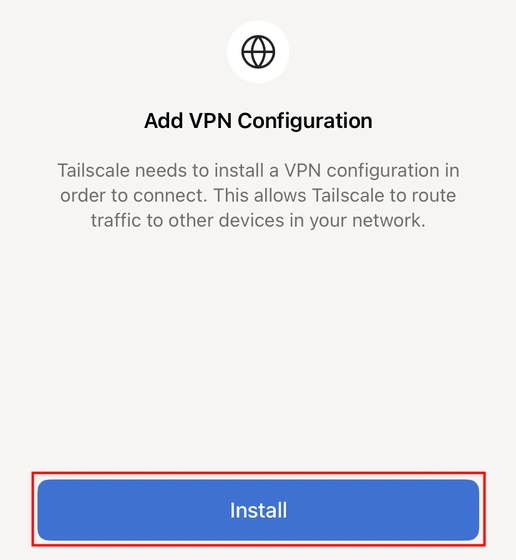
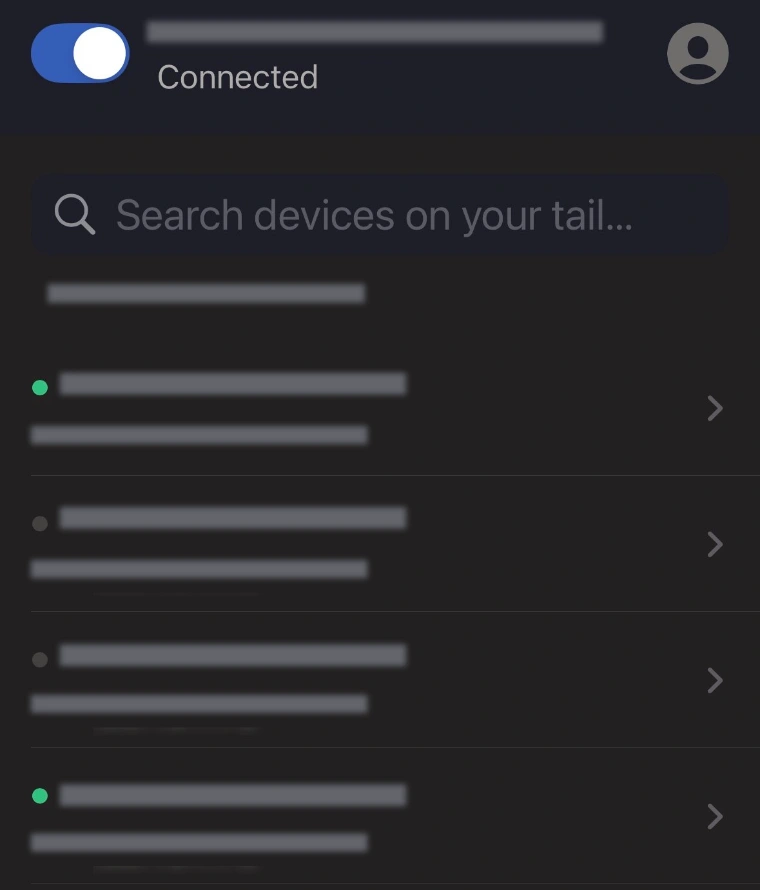
Open Tailscale and sign in to the same private network. When the app asks to add a VPN configuration, allow it in the system prompt. Don’t add a VPN manually.
Look for the computer running Loaderly in the app’s device list.
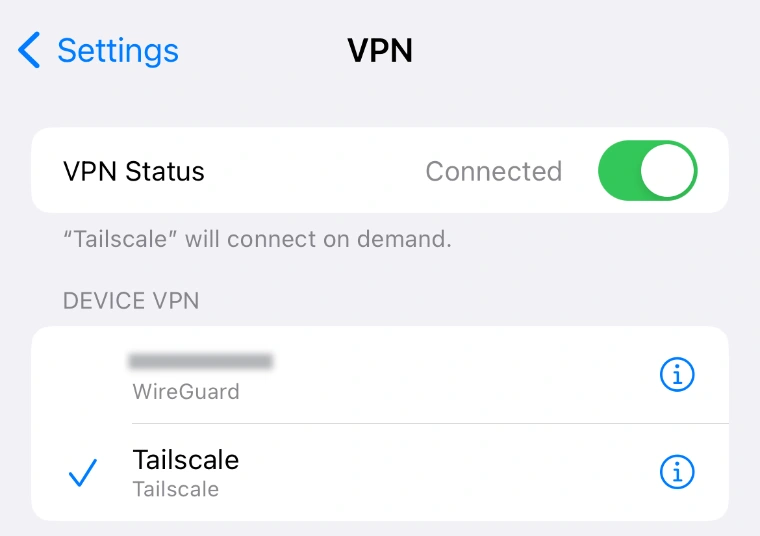
How do I check the connection in iPhone Settings?
Search Settings for VPN. When connected, you can see Tailscale and its status. You don’t need a second VPN service.
Android
On Android, sign in to the same private network and allow the VPN connection.
3. Choose what to share
In Loaderly, open Settings, then Downloads. Turn on Share the library at home and Watch away from home (Tailscale). Wait for the private link to be ready.
- One episode
- choose Watch on another device on the episode and leave This episode only selected.
- Whole library
- open Home library in My files. Finished items appear here, including future downloads as they finish.
- Selected files
- in My files, choose Select files, pick your items, then choose Share selected files. For a saved collection, open it and choose Share collection. The link includes the current selection, so make a new link if you change its members.
4. Watch outside home
Leave the computer awake and Loaderly open. Outside home, use Wi-Fi or mobile data. Keep Tailscale connected and open the new private link. You can also scan its QR code.
If the link doesn’t open
Check that both devices are on the same private network and the computer is awake. If only one episode appears, copy the Home library link from the computer instead of the episode link. Share the link or its QR code only with people you intend to give access to.